
Download TikTok Videos Without Watermark
Download public TikTok videos in high quality without installing an app. Paste a TikTok video link into DownloadTrend to preview available formats and save videos as MP4 or download available audio as MP3 on your phone, tablet, or computer.
How to Download a TikTok Video
Downloading a TikTok video doesn't need to be complicated. Our online downloader is built around a straightforward three-step process.
Copy the TikTok Link
Open TikTok and find the video you want to save. Tap Share, then choose Copy Link from the share menu.
Paste the URL
Return to our TikTok downloader and paste the copied link into the download box at the top of the page.
Download Your Video
Click Download, wait for the link to process, and choose the available MP4 or MP3 download option that suits your needs.
Download TikTok Videos in High Quality
Quality matters when you're saving videos for offline viewing, editing, archiving, or sharing with permission.
Our TikTok downloader can provide the best available video quality supported by the source. Depending on the particular TikTok video, available resolutions may vary.
Whether you're saving a short clip, tutorial, recipe, educational video, comedy clip, or another type of TikTok content, you can select from the available download options.
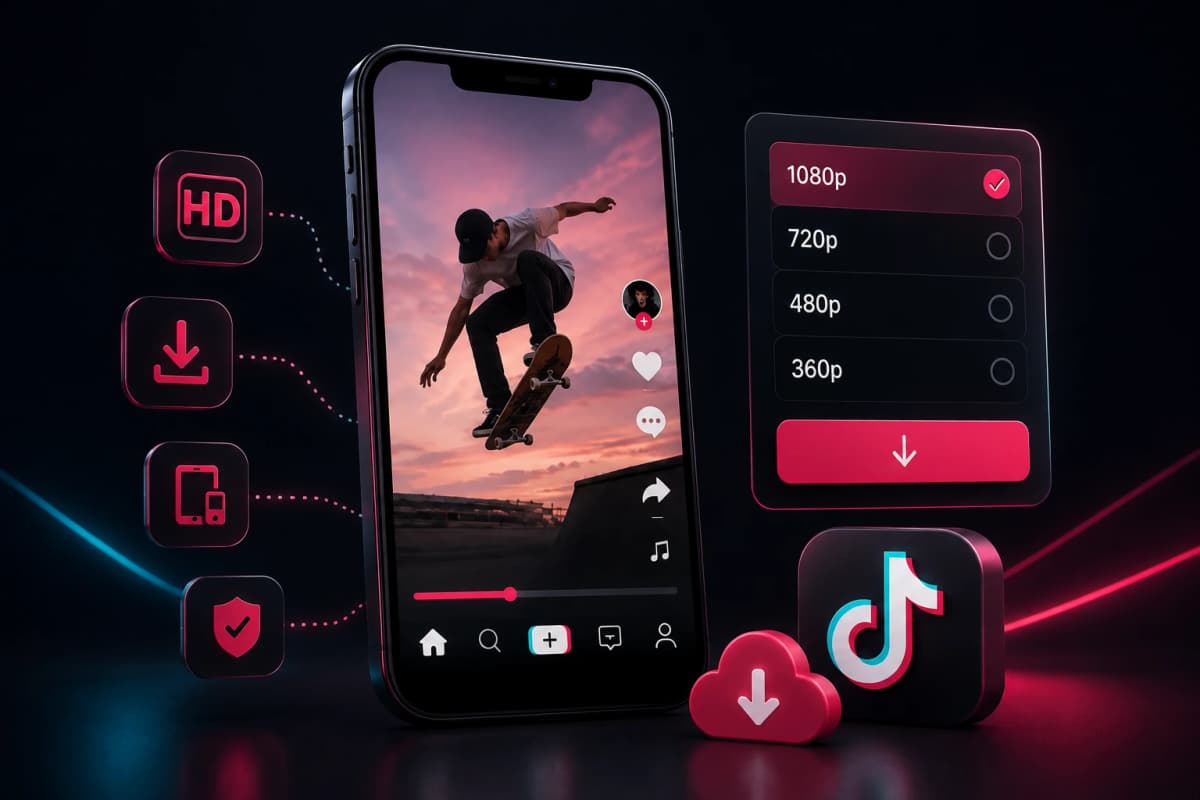
TikTok Downloader for iPhone, Android, PC and Mac
You don't need a special downloader application to save a TikTok video. Our web-based tool works through your browser, making it convenient to use across all platforms.
Android
Open TikTok, copy the video URL, open our downloader in your mobile browser, paste the link, and download the video directly to your downloads folder.
iPhone & iPad
Copy the TikTok video link from the TikTok app and open our downloader using Safari or Chrome. Paste the URL and select the available download option.
Tablet
The same simple process works on supported iPadOS and Android tablets. No additional app download or browser extension is required.
Why Use DownloadTrend to Download TikTok Videos?
Downloading a TikTok video should be simple, fast, and accessible from any device. DownloadTrend provides a straightforward way to save publicly available TikTok videos online without requiring complicated software or technical knowledge.
Quick TikTok Video Downloads
Save TikTok videos with a simple link-based process. Paste the TikTok video URL into DownloadTrend and start processing it without unnecessary steps or complicated settings.
No Software Installation
Download TikTok videos directly from your web browser. DownloadTrend works online, so you don't need to install a desktop downloader, browser extension, or additional software to get started.
Works Across Devices
Whether you're using a smartphone, tablet, laptop, or desktop computer, DownloadTrend provides a responsive experience designed for different screen sizes. Save TikTok videos conveniently from the device you already use.
Choose Available Video Quality
When multiple quality options are available from the source, DownloadTrend can provide suitable download options so you can choose the version that best fits your needs, including higher-quality video when available.
Simple Interface for Everyone
You don't need advanced technical skills to use a TikTok video downloader. The interface keeps the process easy to understand, making it suitable for users who simply want to paste a link and save a supported TikTok video.
Convenient Online Video Saver
DownloadTrend gives you a convenient way to save publicly available TikTok content for offline access. Instead of relying on complicated tools, you can use a browser-based TikTok downloader whenever you need to process a supported video link.
TikTok Video Downloader for Creators
Save videos for legitimate projects without installing extra software. Only download content you own or have permission to use, and respect creators' rights when editing, reposting, or using content commercially.
Frequently Asked Questions
Find answers to common questions about using our online TikTok video downloader.